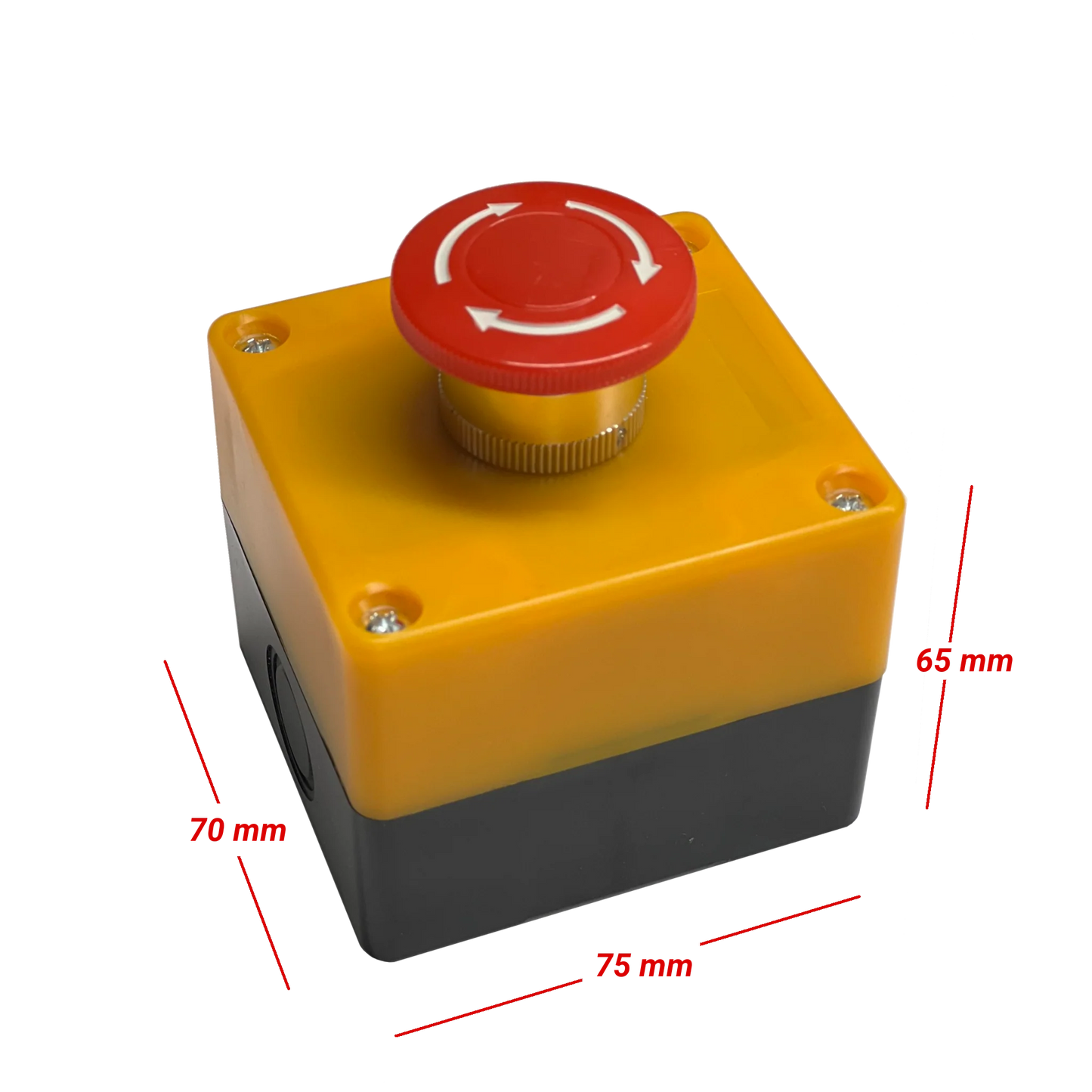
Alert Button
Alert Button
Couldn't load pickup availability
Alert Button sends a text message or an email or both using your WiFi. The setup takes a few minutes with a smart phone or a laptop and requires a valid email address and a phone number. You can specify hours of operation or disable your Alert Button if needed. You can also specify email and text message content.
Notes:
MySpool Alert Button will blink 3 times when it completes its transmission to the cloud. Twist the red knob clockwise to make it ready for next alert.
Batteries are good for 500 alerts or more. Remaining battery charge information is included with every message sent. Batteries are not used at all unless your Alert Button is sending an alert. Your button's shelf life is limited by the shelf life of its batteries, estimated at 7 years or more.
Message content as well as email subject line can be changed on your Device Configuration page when you login to your myspool.com account.
Share